
Unity Tooling
2025
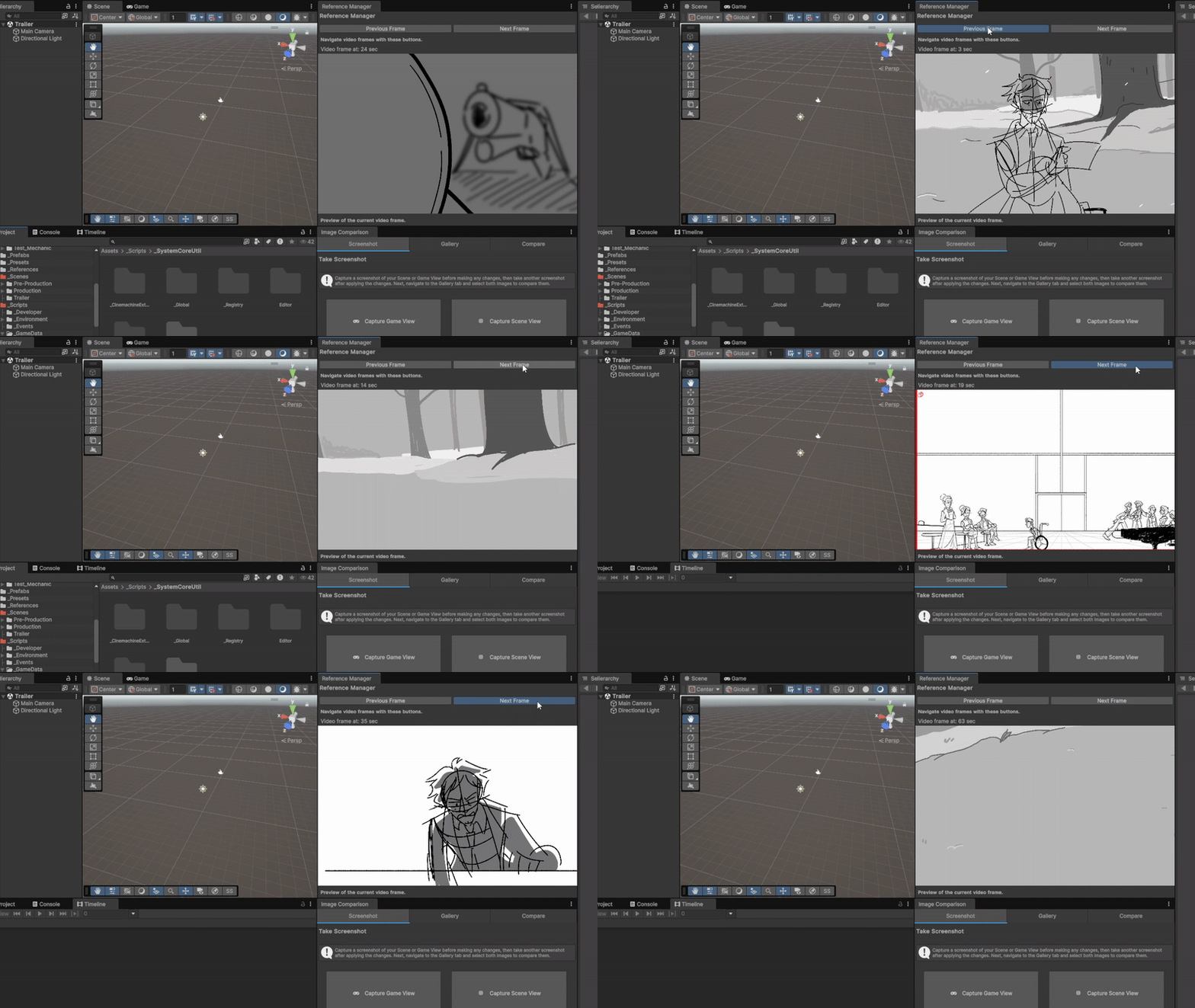
Referance Manager - MP4/PPTX [IN DEVELOPMENT]
For developing trailers, cut scenes and gameplay moments, ensuring references match with 2D animatics or storyboard stills is crucial for conveying the tone. Within this custom tool, you can see a frame-by-frame analysis.
Works with the Unity timeline preview and play mode for seamless comparison.
Folder Shortcut / Pinner
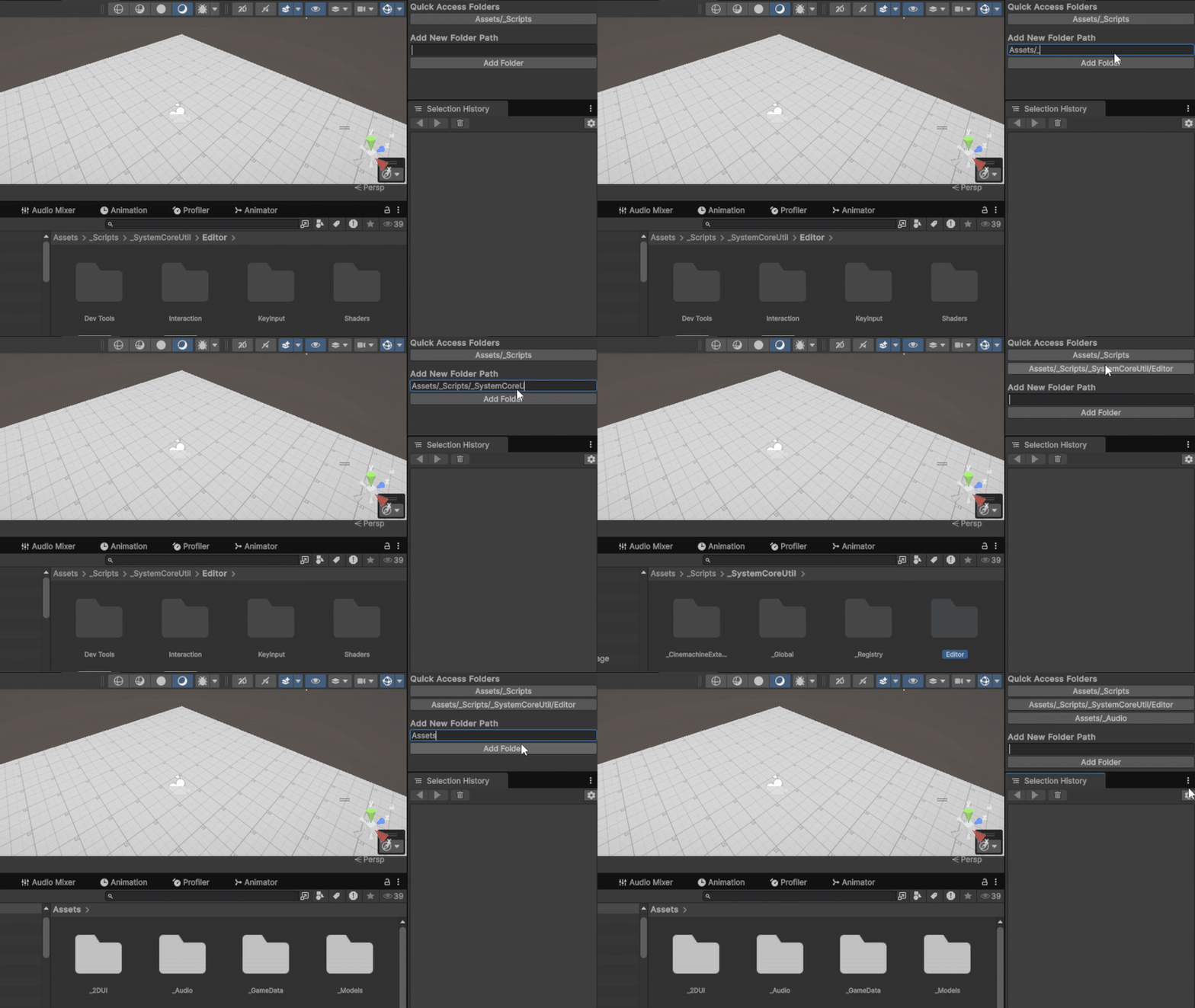
When you're developing large Unity projects, keeping your folders organized is crucial. It's not just about cleanliness; it's about efficiency.
In Unity, this tool can pin your most important folders. This is super handy because you won't have to dig through layers of folders to find what you need. Plus, the system automatically updates these pinned folders if their folder locations change, saving you the hassle of manually tracking every move.
2026
Twine HTML to JSON to SO Converter
A batch-conversion Unity Editor tool that processes Twine HTML exports into Unity-ready JSON assets, feeding directly into SKM's Scriptable Object-based architecture. Built to support a project with hundreds of thousands of dialogue lines, lines that modify and iterate continuously throughout production, the tool eliminates manual conversion entirely.
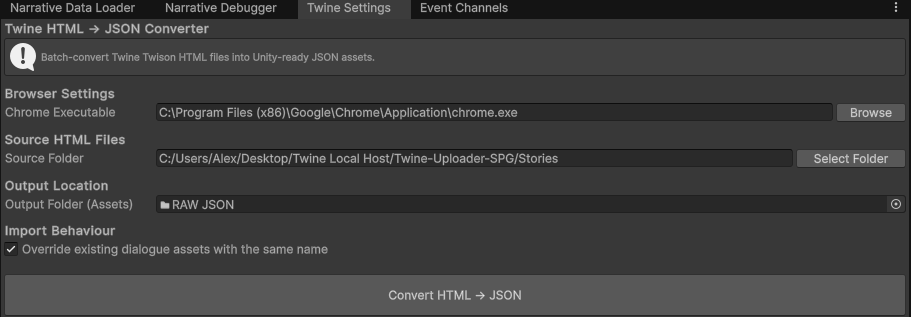
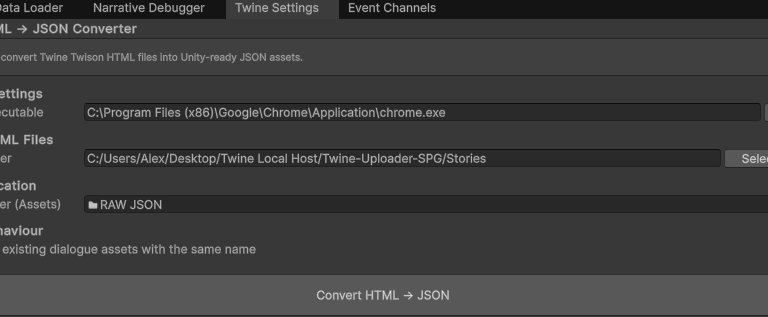
Source HTML files exported from Twine via the Twison plugin are placed in a watched folder. The Editor window launches a headless Chromium process per file, executes the embedded Twison JavaScript, extracts the generated JSON from the DOM output, decodes HTML entities, enforces UTF-8 correctness at the process boundary, and writes clean JSON assets directly into the Unity pipeline.
With this system, narrative members can update dialogue assets and, utilising email notification and a continuous delivery (CD) automatic response via GitHub Actions, run the converter without engineering involvement. The resulting JSON assets complete the pipeline loop, a separate system consumes the output to replace the respective Scriptable Objects directly within the environment, returning updated dialogue to the live project.
Because the entire pipeline is version-controlled through GitHub, every conversion is traceable and the project can be rolled back to any prior dialogue state, giving the narrative team both autonomy and a full safety net.
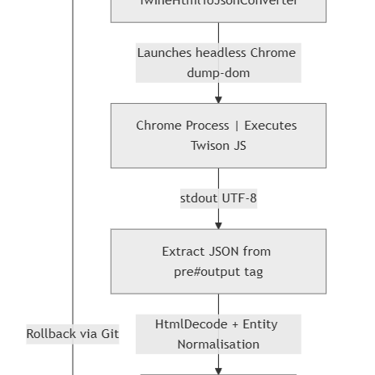
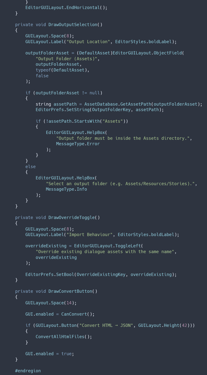
Diagramming through http://mermaid.js.org/.
Code presented through https://carbon.now.sh/.
MORE DETAILS:
2024